
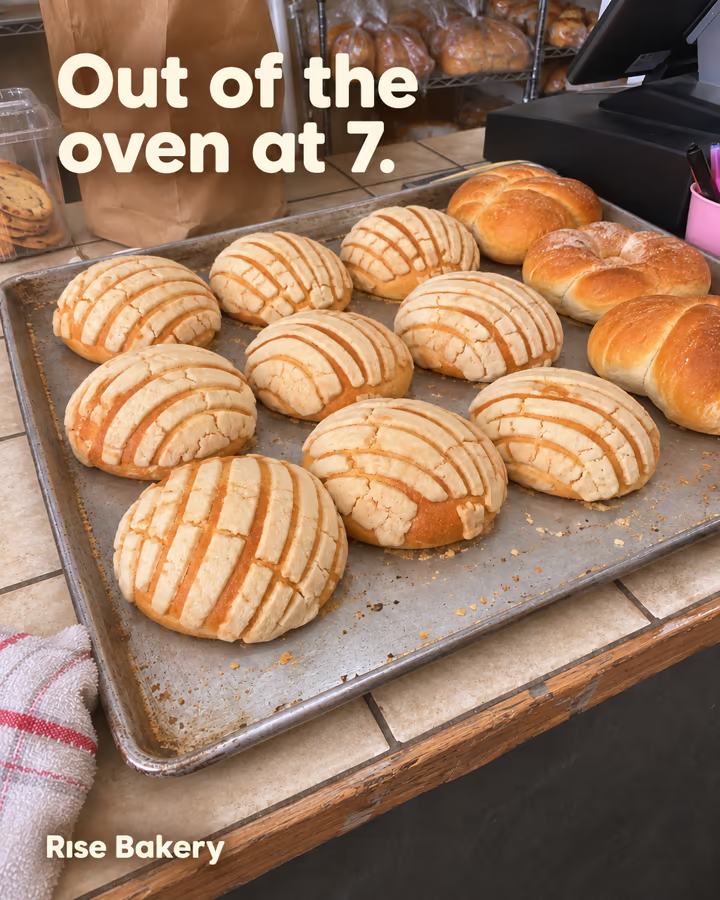
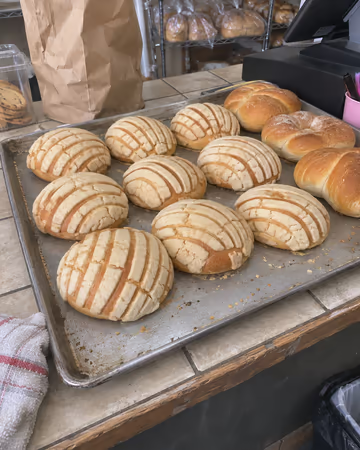
Rise Bakery Out of the oven at 7, gone by 10. Conchas and bolillos, baked every morning. Come early or call ahead and we'll save you a bag. Open daily, 7 AM to 2 PM.
Click a day, get a finished post: caption and images made from your real photos, in your voice. You approve it, and it's ready to post in a minute.
3 free posts a month. No card needed. You decide what gets posted.
Pick an idea
Showing the post for Rise Bakery
Rise Bakery Out of the oven at 7, gone by 10. Conchas and bolillos, baked every morning. Come early or call ahead and we'll save you a bag. Open daily, 7 AM to 2 PM.
Fictional small businesses: a bakery, a candle shop and a hair salon. Illustrative posts and photos made for this page.
The brief: announce a new sourdough. Drag to compare a typical one-shot AI ad with the kind of post Maya makes.

 Typical one-shot AI adMaya
Illustrative examples made for this page.
No prompts to learn and no templates to fill. Stop at any step and pick it up later from the calendar.
01
Click any day on your calendar. That's where the post will go.
02
Write your idea in one line, or ask Maya for a few that fit your brand and what you posted lately.
03
The caption and the images come ready. Approve them, or say what to change in plain words. Nothing is posted until you approve.
04
Share it to Instagram from your phone in a few taps, caption included, or download it for anywhere else. Publishing straight to Instagram on schedule is in private beta.
This is what a chat window doesn't do. Changes you ask for become rules for your brand, and the next posts follow them without being told.
Before
Our crossed out: sweet buns are out of the oven! Come grab one while they're warm.
You asked
“We call them conchas, never "sweet buns". And always end with our hours.”
Learned for Rise Bakery
Say "conchas". End every caption with: Open daily, 7 AM to 2 PM.
Every rule lives in Brain, where you can read it or remove it.
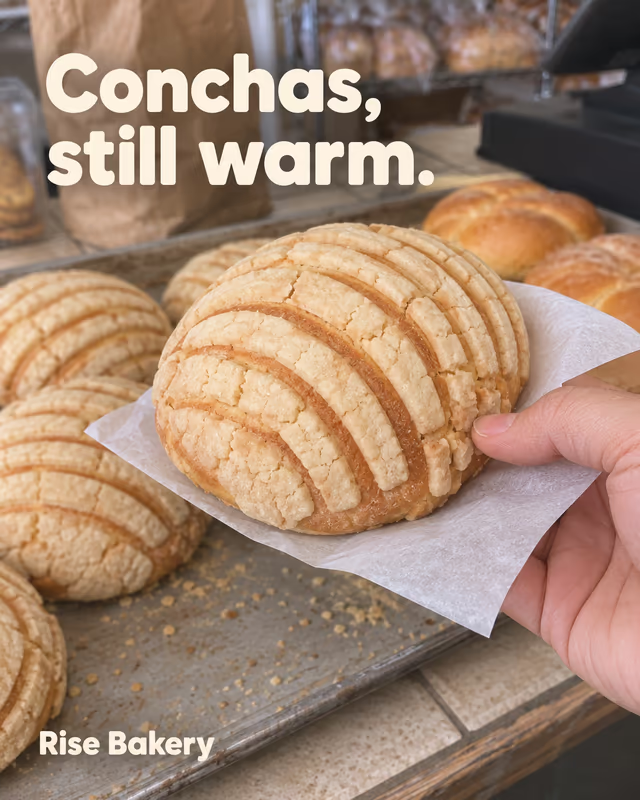
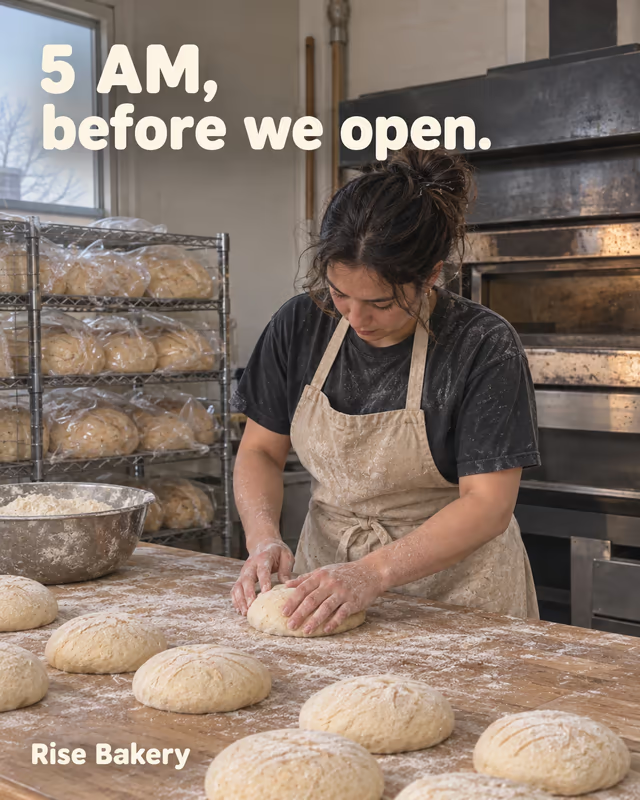
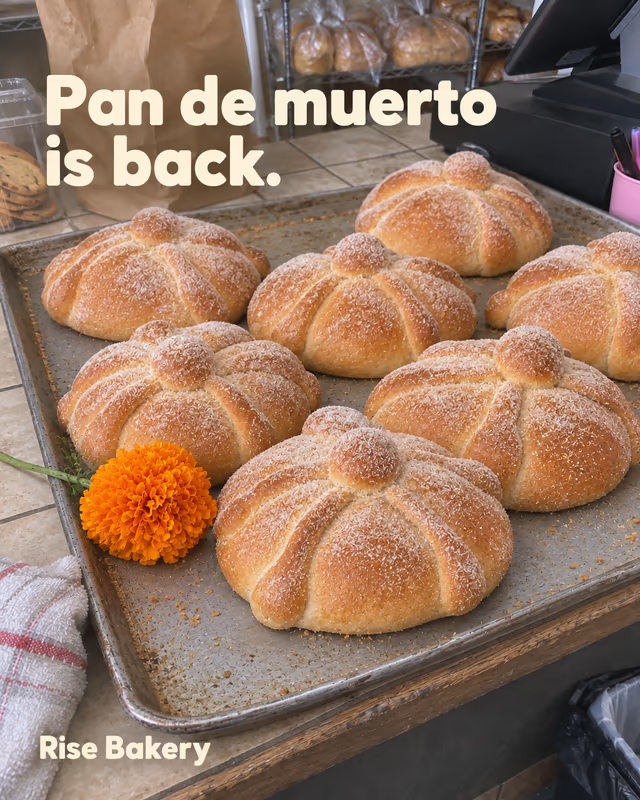
Illustrative examples made for this page, for a fictional bakery.
It's the first thing people ask us. AI image generators are great at making one image. A brand needs the next forty posts to look like the first one, with the real products in them, on a schedule.
Next week, do it all again.
Out of the oven at 7, gone by 10. Conchas and bolillos, baked every morning. Come early or call ahead and we'll save you a bag. Open daily, 7 AM to 2 PM.
Scheduled · Tue 7:00 AMThe caption, the images, the size and the schedule come ready. And every change you ask for makes the next post better.
| Topic | Generic AI tool | Maya |
|---|---|---|
| Your brand | Generic AI tool: Instructions you write and keep up to date | Maya: Learned from every post you approve or correct |
| Your products | Generic AI tool: Uploaded and described again for each image | Maya: Your real photos, saved once and mentioned with an @ |
| Corrections | Generic AI tool: Repeated in the next chat | Maya: Asked for once, remembered for the posts after |
| What you get | Generic AI tool: An image, then a caption, separately | Maya: A finished post: caption, images or carousel, sized for the feed |
| Posting | Generic AI tool: Download, crop and caption it yourself | Maya: One tap to share it from your phone, caption included. Direct publishing in private beta |
A generic AI tool is something you operate. Maya is a content manager that already knows your brand.
Try it on your brand, freeEverything Maya knows about each brand lives in one place, in plain words.
Every client gets their own Maya: their own memory, photos, Instagram connection and language (English, Spanish or Portuguese), all in one calendar. One client's rules never show up in another client's posts.
Team seats and client approval links aren't built yet. For now, download the finished post and send it to your client to approve. Running many brands? Tell us what you need and we'll talk about volume. Example: 15 brands × 12 posts ≈ 180 posts a month, about 4,500 tokens.
Write to the foundersPaid plans come with a monthly balance shared by all your brands. Posts, images and changes draw from it.
Custom
Start on Free with no card. Make your first posts and see if they look like you before paying for anything.
AI image generators are great at one image. Maya is built for the whole month: it keeps your brand's voice, rules and real product photos, learns from every change you ask for, writes the caption, sizes the images for the feed and puts the post on your calendar.
Maya builds each post from the photos you upload of your products, your place and your people, and follows your brand's voice and rules. If something is off, say it in plain words. That change is remembered for the next posts.
No. Every post waits for your approval. Later, you can choose to let Maya publish one kind of post you've already approved many times. It's off unless you turn it on, and you can turn it off anytime.
No. Maya gets every post ready to go: share it to Instagram from your phone in a few taps, caption included, or download the images and copy the caption for Facebook, TikTok or anywhere else. Publishing straight to Instagram on schedule is in private beta, and you can join the waitlist inside the app.
Maya builds the image from your photo, so your product should look like yours. Small details, like the text on a label, can come out slightly different, so check them before you approve. If something is off, say so and Maya fixes it.
Not yet. Today Maya makes photo posts and carousels.
Posts, images and changes all draw from one monthly balance shared by your brands. A single-image post uses about 20 tokens, a carousel about 50 and a round of changes about 15. Pro's 500 tokens make about 20 posts with a change here and there. Unused tokens don't roll over: the balance resets each month.
Maya pauses new posts and changes until your balance renews next month or you add more tokens. On Free, after your round of changes, approve the post as it is or start a new one.
They're only used to make your posts. We don't sell them, share them for advertising or train AI models on them. OpenAI processes them to create the images, and Meta receives the posts you publish. Write to us anytime and we'll delete everything.
Yes, on paid plans. Each brand has its own memory, photos and Instagram account, and they all share one calendar.
Tell Maya about your brand once, upload a few photos, and click a day. We're Rojo Norte, a small team in Mexico, and we read every message.